
How to Register
Please read and follow all the below steps to successfully complete your registration
- Please follow the above link to complete the intake information and become a prospective patient.
- Once you've completed that, your information will be reviewed by the clinic director and providers to determine if we have a specialty that fits your needs and a provider who has availability to provide you with an appointment.
- Once a provider has accepted your intake, you will receive an Email/SMS message with instructions to set up an account via the MYIO Patient Portal. This portal allows you to complete and sign the necessary clinical paperwork. After you complete your paperwork on MYIO, we will be able to get an appointment scheduled for you.
The MYIO patient portal will be an important part of your care at Midwest Behavioral Health, so please ensure you perform this step. MYIO will also be where you can access information about appointments, billing, clinical forms, and other resources.
If registering more than one patient (e.g. yourself and your children or other family members) on MYIO, please follow these instructions:
- Register the first patient through the received link either texted or emailed which is determined by the chosen method of communication selected when completing the prospective patient request.
- Fully complete the onboarding process for the first patient by completing all forms assigned in the patient portal.
- Log out of the first patient portal account.
- Each patient that completes a prospective patient form will receive a link with an activation code to register for a new patient.
- Follow the received link for the next patient either sent via text or email. Complete all forms assigned to this patient portal.
- Once all forms are completed log out of this account completely.
- You will then be able to log back into the MYIO portal and choose which patient account to access.
For assistance with troubleshooting the MYIO portal please refer to:
Location
-
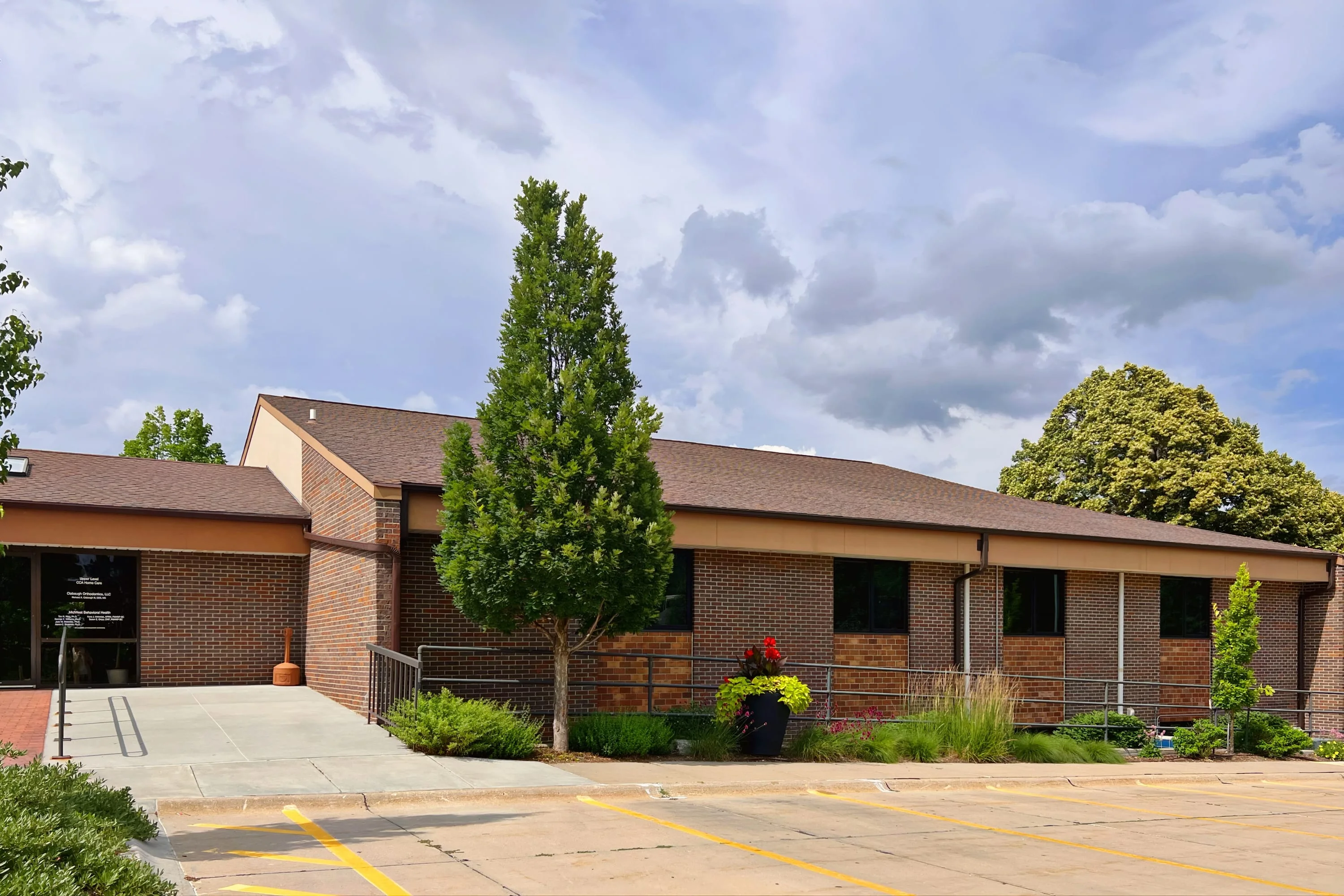
Location Information
Address1530 S. 70th St, Suite 200,
Lincoln, NE 68506 United StatesPhoneFax
